Tools and providers
Part of How should you compare social media agencies tools before signing?
Social media agency software selection scorecard
A social media agency software scorecard for UK buyers: set weighted criteria, test workflows, request evidence and check contract exit terms.
What to take away
- Social media agency software selection is now a documented buying process, not an informal choice. The Data (Use and Access) Act 2025 received Royal Assent on 19 June 2025; its provisions commence at different times, so that date is not a general start date. For marketing workflows, document how personal data is handled under the UK GDPR. The evidence pack now matters as much as the tool.
- Price alone rarely decides the outcome. Buyers who score workflow fit, reporting, access controls and exit terms before signing meet fewer surprises.
- A short, scored shortlist beats a long one. Three to five vendors is usually enough to compare properly.
- Every selection needs a named owner, a written scorecard and a review date, so the decision survives staff changes.
- Trials and sandbox accounts reveal more than sales decks, if you test your own use cases.
Why social media agencies software selection has changed
Buyers now ask for evidence, not enthusiasm. Agencies that cannot show how a tool handles data subject requests, audit logs and retention settings lose pitches before creative work is discussed.
Buyers also ask how quickly a tool can revoke access when a contractor leaves. That question belongs in the first meeting rather than the last, because the answer often decides which tier you need.
Choosing well also protects margin. A platform that hides reporting behind a higher tier can turn a profitable retainer into an admin burden. The wider Social media agencies tools and supplier guide for 2027 sets out the categories, and this guide narrows the decision to software.
What the directory changes for buyers
Buyers who shortlist from a social media agency directory judge an agency on the channels it covers and on the evidence behind the results it reports. Software that cannot export clean performance data or show an audit trail weakens both, so keep the scorecard beside the listing details you publish, not just in a procurement folder.
Build a scorecard before you see a demo
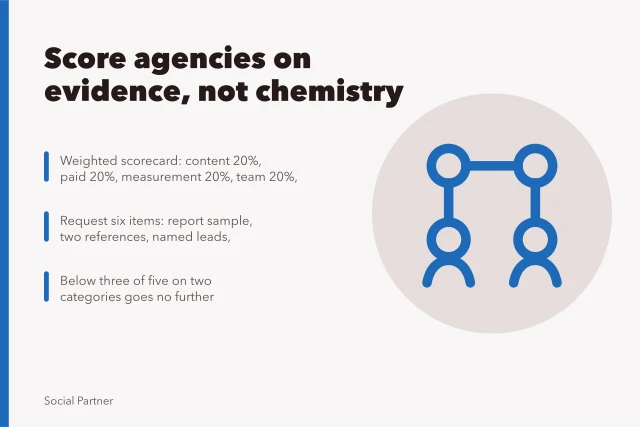
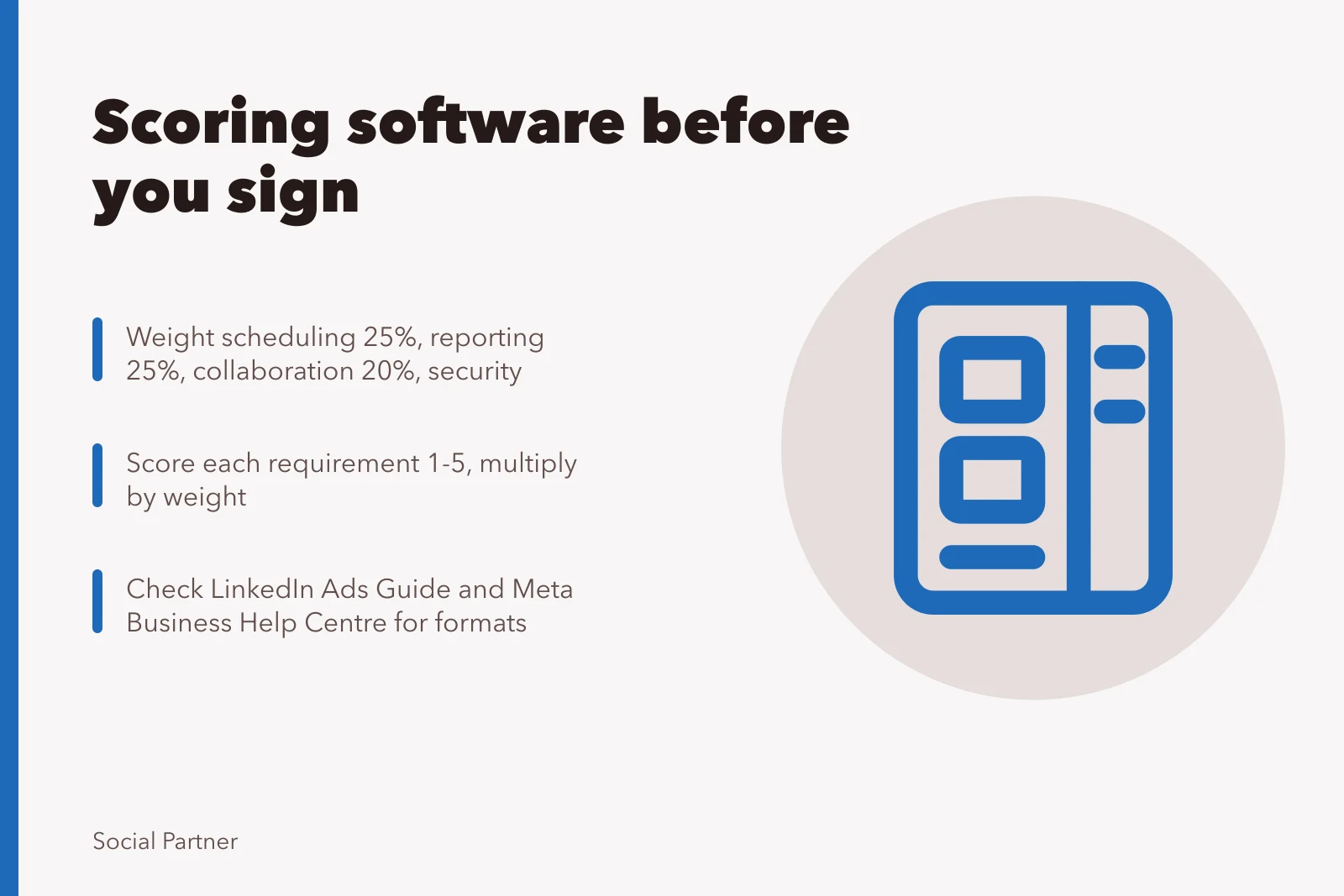
Write requirements first. List tasks the software must perform: scheduling, approvals, inbox triage and paid campaign reporting. Then weight each item: scheduling 25 per cent, reporting 25 per cent, collaboration 20 per cent, security 20 per cent, price 10 per cent.
Evidence to request
- Security summary
- Data processing agreement
- Sample report
- Where data is stored
- How long data is kept
Illustrative example: a team paying £400 a month for a platform that fails two weighted criteria should score it below a £550 option that meets them.
Score each requirement from one to five, then multiply by the weight. Keep the arithmetic visible so a colleague can challenge it later. A scorecard nobody can explain is not evidence.
Scorecards reduce the pull of a polished demo and leave a written record of why a vendor was chosen.
Who signs off and who tests
Name one decision owner and two testers. Testers should run a live task from your own workflow, not a vendor script. The owner signs the scorecard and books the review date.
What evidence to request
Ask for a security summary, a data processing agreement and a sample report. Under Article 28 of the UK GDPR, a controller-processor contract must include required terms; check your agreement against those requirements and the ICO's guidance. Confirm where data is stored and how long it is kept. Use the ICO's data protection fee self-assessment to check whether your agency needs to pay the fee and appear on its register. If a vendor cannot answer in writing, treat that as a gap.
Test paid formats against official guidance
Paid social buying depends on format knowledge. Review the LinkedIn Ads Guide to check which ad formats the platform supports before you assume a tool can build them. For Meta placements, the Meta Business Help Centre is the reference for troubleshooting and policy questions.
Format support changes, so check the source each time you revise the scorecard rather than trusting last year's notes.
Programmatic buying adds another layer. The IAB UK programmatic guide explains how automated buying works, which helps when a vendor claims its reporting matches programmatic standards. Check those claims against the source rather than the pitch.
Decision table
Choose
- Single client, one channel
- Entry tier with scheduling and basic reporting
- Five or more clients
- Multi-workspace tool with role-based access
- Regulated client data
- Vendor with audit logs and UK data residency
- Heavy paid campaigns
- Platform with API reporting and spend controls
- Fast growth expected
- Contract with tier upgrade path
Avoid
- Single client, one channel
- Enterprise suite with unused modules
- Five or more clients
- Shared logins and spreadsheets
- Regulated client data
- Tools with unclear retention terms
- Heavy paid campaigns
- Tools that export manually
- Fast growth expected
- Long lock-in at a low tier
Named platforms to assess
These are research candidates, not recommendations. Product features and packaging can vary by plan, so test the relevant workflows and confirm current terms directly with each supplier.
Platform / What to test against your scorecard
- Hootsuite
- Channel coverage, publishing, reporting and plan limits
- Sprout Social
- Engagement inbox, reporting, collaboration and plan limits
- Buffer
- Publishing, approvals, reporting and plan limits
- Later
- Publishing workflows, analytics and plan limits
- Sprinklr
- Enterprise workflow fit, governance and plan limits
- Brandwatch
- Social management, listening needs, reporting and plan limits
- Emplifi
- Social marketing, customer-care needs, reporting and plan limits
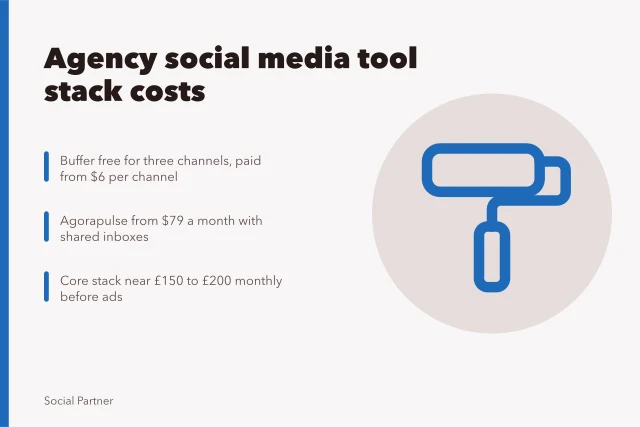
The £400 and £550 figures above are illustrative examples of how weighting works, not prices for these platforms. Published starting prices in this platform pricing comparison give a benchmark: Sprout Social's Standard plan starts at $199 per seat per month billed annually, and the Professional tier moves to $299 per seat per month, so costs rise quickly with every seat you add. Hootsuite Social OS starts at $99 per user per month, roughly half of Sprout Social's starting price, while Sprinklr's plans start at $299 per month for the Social Self-Serve tier. Buffer, meanwhile, is described as the most popular free Sprout Social alternative for small teams and individual creators who need simple scheduling and analytics.
Contract and exit checks
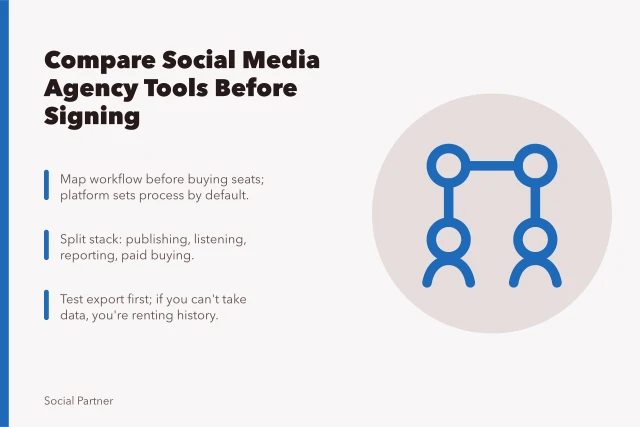
Read the renewal clause before the feature list. Confirm notice periods, price review terms and what happens to your data if you leave. Ask for export formats in writing, because a tool that traps your reporting history is expensive to replace.
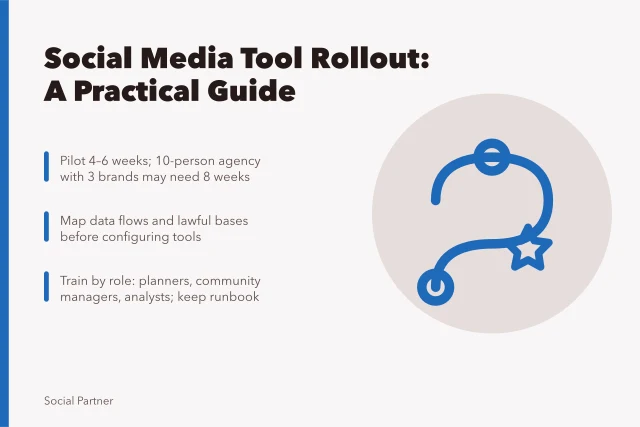
Set a 90 day review after go-live. If adoption stalls, the problem is often training rather than the software, and the Social media agencies tool implementation guide covers that stage in detail. Record the review outcome so the next renewal starts from evidence.
Common questions
How long should selection take?
For most agencies, four to eight weeks is enough. Longer timelines usually mean requirements are unclear, not that more vendors are needed.
Should we involve clients in the decision?
Only where the tool touches client-facing reporting. Ask those clients what they need to see, then keep the final choice internal.
What if two vendors score equally?
Compare exit terms and support response times. The cheaper exit and faster support usually wins over a small feature advantage.
Do we need a trial before signing?
Yes. Run one real task in a sandbox or trial account, and document the result in your scorecard before you commit.