Tools and providers
How should you compare social media agencies tools before signing?
Choosing social media agencies tools and providers starts with mapping your workflow, then scoring suppliers on evidence, cost per seat and exit terms.
What to take away
- When you compare social media agencies tools, most teams buy seats before mapping the workflow those seats should support. The platform then sets the process by default, and nobody notices until the first renewal.
- Split the stack into four layerspublishing, listening, reporting and paid buying. Publishing covers scheduling, approvals and assets. Listening covers mentions and community inboxes. Reporting answers the client's result question. Paid buying holds campaign setup, audiences and spend control.
- Rank the layers by client impact, switching cost and evidence available. Reporting and listening usually rank above publishing because errors are visible to clients.
- Judge named suppliers such as Hootsuite, Sprout Social, Buffer, Later and Brandwatch on documented capability, named references and exit terms, not demo polish.
- Price the whole contract, including onboarding, seat minimums, storage tiers and the cost of exporting your own history.
- Decide who owns the accounts, the audience data and the renewal date before anyone signs.
Map the workflow before you review any tool
The order of your decisions matters more than the choice itself. Teams that pick a platform first spend the following year rebuilding their process around its defaults.
Four-layer stack order
- 1. Publishing: scheduling, approvals, assets
- 2. Listening: mentions, community inboxes
- 3. Reporting: client results
- 4. Paid buying: campaigns, audiences, spend
A second pattern repeats. Procurement opens with a supplier call instead of a written brief. That call sets the agenda, and every tool gets judged against the first one you saw.
Rank the layers before you score suppliers
Rank the layers by pain, switching cost and the evidence a supplier can show. A layer that touches client billing usually ranks above one that only affects internal scheduling. Reporting and listening often rank first because clients see the output.
The social media agencies software selection process should begin with that layer map. It turns a vague brief into a scoring sheet you can defend to a finance director.
A small agency can run all four layers inside two subscriptions. A larger one often needs a specialist tool at each layer, plus a spreadsheet holding the whole thing together.
Where two layers overlap, decide which one is the record of truth. Reporting and publishing often disagree about the same post, and clients notice.
Write down the tasks you will not automate
Some work should stay human: crisis response, tone-of-voice checks on regulated accounts, and escalation out of a community inbox. Naming those tasks stops you paying for features you will never switch on.
It also sets a realistic training load. Every tool you add asks for logins, permissions, a review cycle and a named owner, and that owner is usually someone who is already busy.
If you would rather start from a shortlist than a blank page, our review of social media agencies best tools in England groups options by layer and by team size.
Write down what you will not buy this year. A named exclusion list stops a polished demo reopening a decision you have already closed.
Be specific about handovers. When a client leaves, who exports the assets, who closes the ad accounts, and how long does their access survive?
Set a rule for shadow tools. When someone buys a free tier on a company card, that subscription should appear on the map within a month.
Agree how new tools get approved. A two-line request naming the layer, the cost and the owner is usually enough.
Then decide who signs. Licence agreements signed by account managers create renewal surprises, because nobody tracked the notice period.
Say who reviews the tools each year. In most agencies that job quietly lands on whoever complains first.
Finally, note the skills gap. A listening tool is only as good as the person writing the queries, and that is a training cost rather than a licence cost.
Compare what agencies and platforms sell you
Suppliers come in four shapes: platform ad tools, all-in-one suites, single-layer specialists, and service firms bundling labour with licences. Knowing the shape keeps the contract honest.
Platform ad tools: free entry, fixed limits
TikTok for Business publishes official advertising and marketing resources for TikTok, which is a sensible first stop when a client asks what the platform supports.
LinkedIn's self-serve ads covers campaign objectives, targeting by job title and company, and its own reporting layer for sponsored content.
Platform tools cost nothing to open but are hard to scale. They rarely support client approvals, and each reports in its own way, so cross-channel reporting needs manual work or a third-party tool. They are the cheapest option for a small paid budget, but a suite or specialist usually earns its fee once you run more than two channels.
Agency suites, specialists and named tools
All-in-one suites bundle publishing, listening, reporting and paid tools behind one login. The trade-off is depth: a suite that is strong at scheduling may be weak at listening, and you cannot swap a single module for a better one without leaving.
Middle-ground suppliers sell one layer well and integrate with the rest. They are usually the fastest way to fix a single bottleneck.
The table below compares named tools on layer fit, pricing model, contract style and export risk. Use it as a shortlist, not a ranking.
| Tool | Layer | Pricing | Best for | Contract note | | Hootsuite | publishing, inbox | per seat | scheduling and approvals | monthly or annual, free trial | | Sprout Social | publishing, analytics, listening | per seat | client reporting and approvals | annual plans, check notice | | Buffer | publishing | per channel | small agencies | monthly, export posts and profiles | | Later | visual publishing | per user or social set | Instagram and TikTok | monthly or annual, check post export | | Brandwatch | listening | quote | large listening briefs | annual, no publishing layer | | Agorapulse | publishing, inbox, reporting | per user plus profiles | mid-market agencies | monthly or annual, check profile limits | | Sendible | publishing, reporting | per user and brand | agency client approvals | monthly or annual, check brand limits | | Metricool | analytics, scheduling, ads | free tier and paid | small teams | monthly, check historical data | | Emplifi | social marketing and care | quote | enterprise service teams | annual, module-based | | Meltwater | media monitoring, listening | quote | PR and communications | annual, seat minimums |
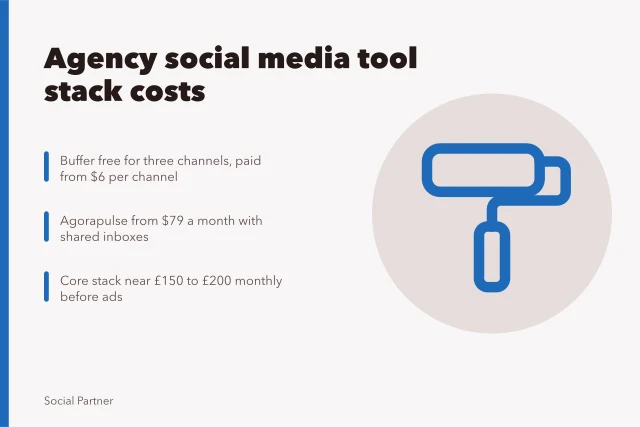
Per-seat suites in this market typically run from about £50 to £250 per seat per month. Quote-based listening platforms often start at several hundred pounds a month, with annual terms.
Meta's own documentation is worth reading even with a third-party tool. Account structures and troubleshooting sit with the platform. The Meta Business Help Centre covers account setup, billing and support routes when an ad account is restricted.
Our guide to social media agencies supplier comparison sets out how these options differ. It covers the questions that separate a genuine platform from a reseller holding a licence.
Check the integration list rather than the feature list. A scheduling tool that cannot pull spend data from the ad platforms will not give you a blended cost per result.
Ask about contract length. Suites often ask for twelve months, while single-layer specialists are more willing to bill monthly.
Watch for modules you already own elsewhere. Bundles are priced on the assumption that you will use most of them, and unused modules still appear in renewal talks.
Ask what happens to your data if you downgrade rather than leave. Some suites keep reporting history but lock the underlying posts until you upgrade again.
Check whether the suite charges per brand, per user or per published post. The cheapest headline rate is often the most expensive one at scale.
Score suppliers and build a real budget
Comparison is where procurement time gets wasted, because teams compare feature lists instead of the costs that arrive later: migration, training, support response and notice periods.
Test the technical and operational claims
Ask for a sandbox account loaded with your own data, not a demo account pre-filled with sample content.
Test the export first. If you cannot take scheduled posts and audience lists out in a usable format, you are renting your own history.
Then run a real approvals scenario, including a rejection and a second version. Approval routing is where many suites quietly disappoint.
Our walkthrough of social media agencies tool implementation covers the migration steps that usually get skipped. It includes permission mapping and the handling of historical posts.
If your team builds on top of ad platforms, read the developer documentation before promising a custom dashboard. Microsoft documents its advertising stack through Microsoft Advertising on Microsoft Learn, including the API that links advertising data to other Microsoft products.
Ask about support in writing: response times, escalation routes, and who answers when an ad account breaks at 6pm on a Friday.
Run a security review before the pilot. Ask where data is stored, which staff can access it, and how deletion works when the contract ends.
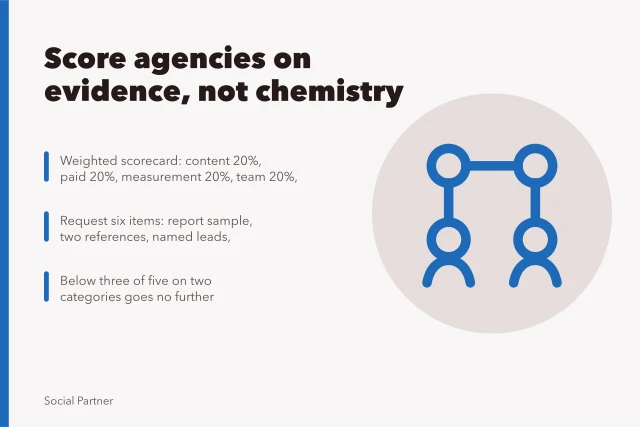
Ask for two references from agencies of a similar size. Then ask those references what they would negotiate differently.
Check the reporting numbers against a manual count on one campaign. Small differences in how a platform counts a click become large ones on a client invoice.
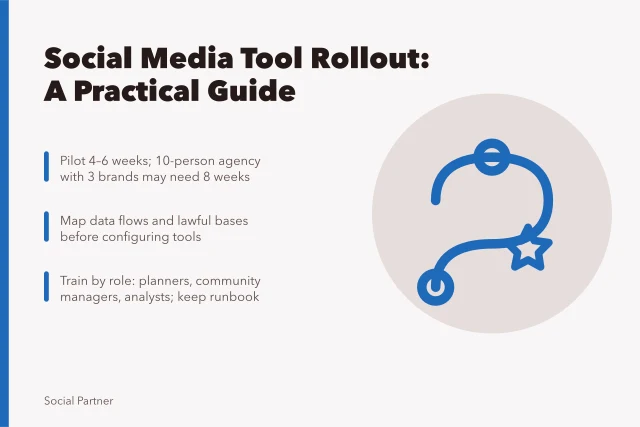
Set a pilot length with a written exit. Four to six weeks is usually enough to see whether a tool survives a busy week.
Record what the pilot proved in one page: the test, the result and the decision. That note saves the same argument at renewal.
Give every supplier the same test list. A scored comparison across four or five options is easier to defend than a favourite.
Ask who owns the configuration if the relationship ends. Rules, audiences and naming conventions are assets, and rebuilding them takes weeks.
Build a weighted scoring sheet
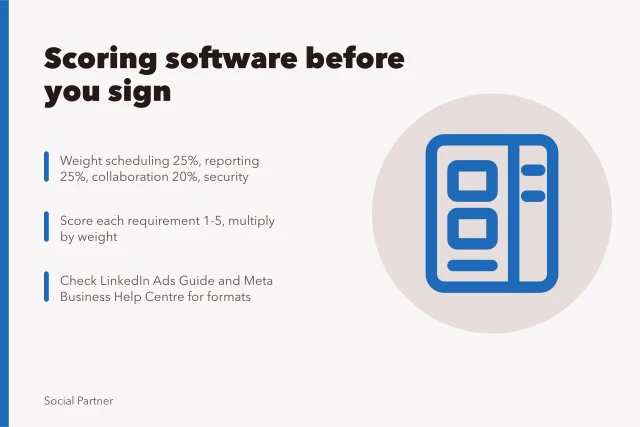
Score each supplier 0 to 5 on each criterion, multiply by the weight, and set a pass mark of 70 per cent. Use the same sheet for every option.
| Criterion | Weight | Pass or fail test | | Layer fit | 25% | Pass if the tool covers the layer without a workaround. | | Export and data ownership | 20% | Pass if you can export scheduled posts and audience lists in a usable format. | | Reporting match | 20% | Pass if one report matches a manual count on one campaign. | | Support response | 15% | Pass if a named contact replies within four working hours. | | Contract flexibility | 10% | Pass if notice is 30 days or less and seats can be reduced at renewal. | | Total cost at 12 months | 10% | Pass if the full cost sits inside your layer budget. |
Negotiate notice periods, seats and downgrades
Ask for a 30-day notice period on monthly plans and a maximum of 60 days on annual plans. Long notice periods lock you into a tool you may outgrow.
Seat minimums: ask what happens if you drop below the minimum. Some suppliers charge for unused seats, so a five-seat minimum on a three-person team is a real cost.
Downgrade terms: confirm what you keep if you move to a cheaper plan. Some tools lock historical reports or limit exports until you upgrade again.
Get the exit process in writing: who exports the data, when access stops and what the supplier deletes.
Worked example: a five-person agency
This example is illustrative and uses round figures rather than supplier quotations.
For a real anchor, Buffer's public pricing lists its Essentials plan at $6 per channel per month, billed in US dollars.
A five-person agency with eight retainer clients runs all four layers across separate tools. Publishing costs £180 a month for five seats, and listening costs £95 a month on a mid-tier plan.
Reporting sits at £240 a month because two clients need dashboards with historical comparison. Paid management adds £150 a month, taking the illustrative licence total to £665.
| Layer | Illustrative monthly cost | | Publishing | £180 | | Listening | £95 | | Reporting | £240 | | Paid management | £150 |
Over twelve months the four licences come to £7,980. Onboarding is a £500 one-off fee, and migration takes about 20 internal hours at an illustrative £35 an hour, so £700.
The first-year figure is therefore roughly £9,180, before any media spend. That is the number to put in front of a finance director.
Compare a single suite at an illustrative £340 a month for five seats, or £4,080 a year. It looks cheaper until you add the listening tool it cannot replace, which brings the total to £5,220.
The gap narrows once labour is priced. A suite that saves £3,000 a year in licences but adds 15 hours a month of manual reporting is not cheaper for long.
Illustrative media spend sits outside these figures. Where paid social is bought programmatically, the IAB UK's back to basics guide to programmatic explains how inventory, fees and data change hands. That separation keeps media and management costs apart.
For a fuller breakdown of what agencies charge and pay, see our social media agencies costs and budget guide for England. It covers seat models, retainer structures and the lines that get missed at quoting stage.
Set the budget as a range with a review date. Tool prices move at renewal, and a line that looked fixed in March rarely is by the following January.
Forecast the exit as well. If leaving means three months of running two systems side by side, that cost belongs in the comparison.
Keep licence figures and media figures on separate lines. Blended budgets hide fee growth, and fee growth is what erodes margin.
Common questions
How long should a tool pilot run?
Four to six weeks is usually enough to see whether a workflow survives a busy month. Shorter pilots tend to test the demo environment rather than your own process.
Should we buy one suite or several tools?
It depends where the bottleneck sits. Suites suit teams with straightforward reporting needs. Separate tools suit teams that need depth at one layer and can manage the integrations.
Who should hold the ad accounts?
The client should always own the accounts. Give the agency admin access only where the contract needs it, and write the recovery process into the agreement.
What should we check before renewal?
The layer map, the current seat count and actual usage over the previous quarter. Cancel anything with fewer than two active users before the notice window closes.
In this guide
- Social media agency software selection scorecardA social media agency software scorecard for UK buyers: set weighted criteria, test workflows, request evidence and check contract exit terms.
- Named social media management and advertising tools for agencies without overspendingA practical named list of schedulers, inboxes, ad consoles and reporting tools for England agencies, with public pricing models and cost checks.
- Why social media agencies supplier comparison needs a processA process-led comparison of social media agencies suppliers, covering evidence, platform access, data rights and a practical scoring checklist for buyers.
- Nine checks for social media agencies vendor due diligenceA nine-point checklist for social media agencies vendor due diligence, covering company records, data broker rules, platform credentials and contract exit terms.
- Social media agency rollout planning for client teamsA practical social media agency rollout plan for client teams, covering scope, data permissions, a 30-day checklist, piloting, training and review.